If you're applying online and hearing nothing back, the problem may not be you — it may be the software reading your resume first.
Most mid-size and large companies run applications through an Applicant Tracking System (ATS) — software that parses your resume into data, scans for relevant keywords, and ranks candidates before a recruiter works through the list. A great resume that the ATS can't read correctly gets buried. The good news: passing an ATS is mostly about formatting and relevance, and both are fixable in an afternoon.
1. Use a simple, single-column layout
ATS software reads top-to-bottom, left-to-right. Multi-column designs, text boxes, tables, and graphics can scramble that reading order, so your job titles and dates end up jumbled or lost. Use a clean single-column layout with standard section headings: Summary, Experience, Skills, Education. Save the beautifully designed two-column version for roles where a human sees your resume early (design, startups, networking referrals).
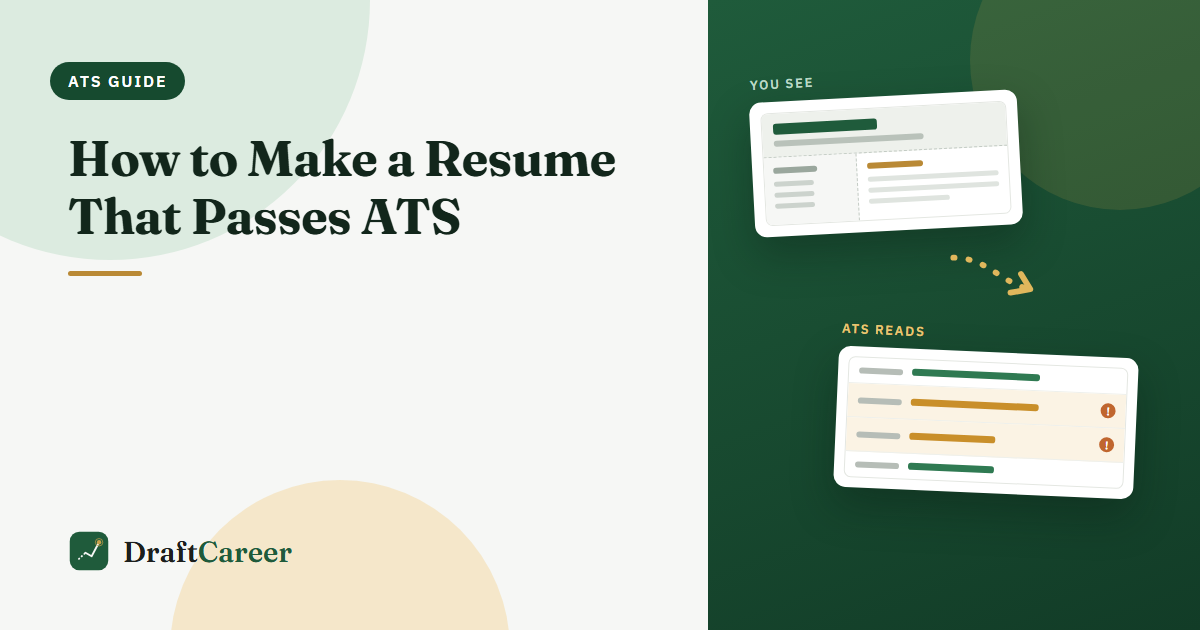
It's easier to see than to describe. Below is one resume, read two ways — switch between the tabs:
Two-column resume · same file
The parser reads straight across the page, so the left column's first line lands in front of the right column's — and a recruiter searching "Data Analyst" never matches "Python Data Analyst".
Same resume, two readers. Nothing here is a rejection — it's your information landing in the wrong fields, which is what actually buries you in a recruiter's search results.
2. Pick standard fonts and skip the graphics
Stick to common fonts (Arial, Calibri, Georgia). Avoid logos, icons, photos, headshots, and charts — many parsers drop them or read them as gibberish. Don't put critical info (like your phone number) in the header/footer, since some systems ignore those areas.
3. Match keywords to the job description
The ATS looks for the words the employer used. If the posting says "project management," "stakeholder communication," and "SQL," those exact phrases should appear naturally in your resume — assuming they're true for you. Mirror the job's language for skills, tools, and titles. Don't keyword-stuff or hide white text; modern systems flag it and recruiters see it.
4. Use standard section headings
Creative headings like "Where I've Made an Impact" confuse parsers. Use the boring, expected ones: "Work Experience," "Skills," "Education." Boring wins here.
5. Save and submit the right file type
Unless the application says otherwise, submit a .docx or a text-based PDF (one where you can select the text). Never submit a scanned image or a PDF exported as an image — the ATS can't read it.
6. Write accomplishment bullets, not duties
Once you're past the parser, a human reads you. Lead each bullet with a strong verb and a result: "Cut onboarding time 30% by redesigning the training flow" beats "Responsible for training." Numbers make you concrete and memorable.
Quick ATS checklist
- Single-column, standard headings
- Common font, no images/tables/text boxes
- Keywords mirrored from the job description (truthfully)
- Contact info in the body, not the header
- Text-based PDF or .docx
- Accomplishment bullets with numbers
Worth keeping in perspective: an ATS is a filing and ranking tool, not an automatic rejection machine. We covered what it actually does — and which scary statistics about it don't hold up — in what an ATS really does when you hit submit.
The shortcut
Doing this by hand for every application is slow. Tools built ATS-first handle the formatting for you and check your resume against a specific job. DraftCareer, for example, offers single-column ATS-safe templates and lets you paste a job description to tailor your resume in one click — so you spend your time applying, not reformatting. You can also run a resume you already have through the free ATS compatibility checker to see what a parser makes of it. (Whichever tool you use, the checklist above is what matters.)