"ATS-friendly template" gets thrown around a lot without much explanation of what it actually means beyond "plain." That's not quite right — a template can be visually distinctive and still parse cleanly, and a template that looks perfectly ordinary can still trip up the software reading it. The difference comes down to a specific, checkable set of formatting choices, not a vague sense of how fancy the design looks.
Why this is a formatting problem, not a design problem
Applicant tracking systems don't "see" your resume the way you do. Most extract the text into a structured record — name, contact details, work history, education, skills — by reading the underlying document in a fairly linear way. As covered in more detail in our guide to how ATS software works, that extraction step is where things go wrong: a layout can be readable and even attractive to a human eye while confusing the exact order or grouping the parser assumes.
What breaks parsing in a resume template
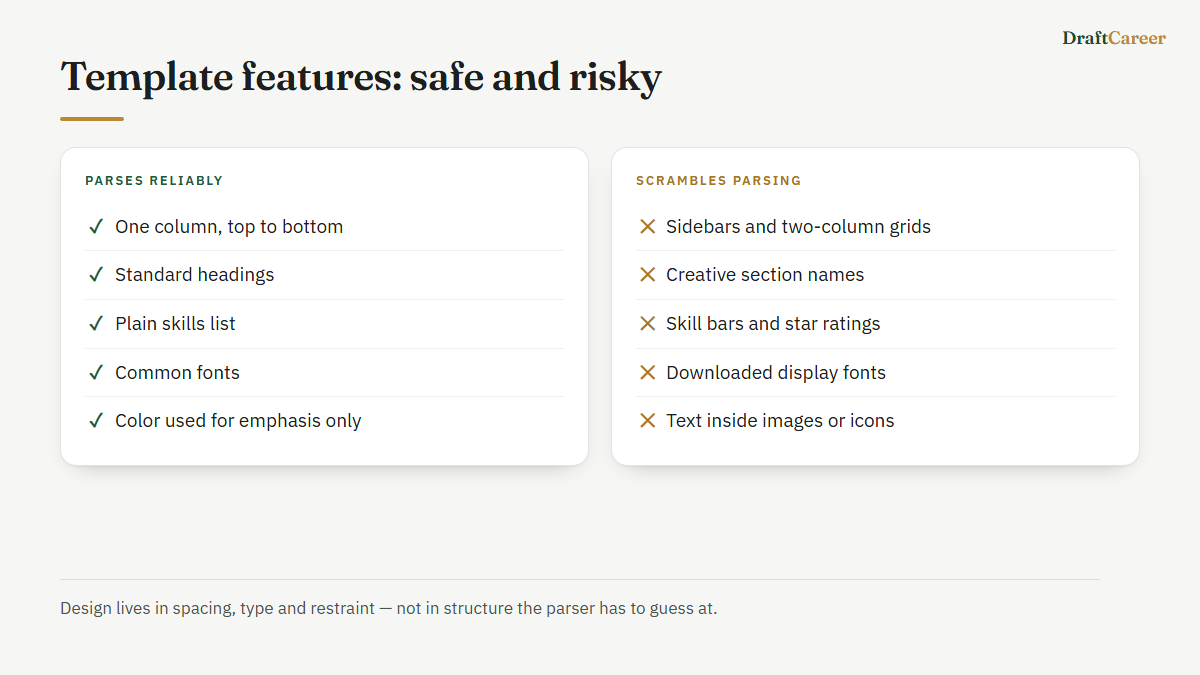
- Multi-column layouts. The single most common failure. A parser that reads left-to-right, top-to-bottom across the full page width will interleave text from two side-by-side columns into a scrambled, nonsensical order — your skills list might get spliced into the middle of your job history.
- Text inside tables or text boxes. Some parsers skip table cells and floating text boxes entirely, which means an entire section can simply vanish from what the system reads, even though it's clearly visible on the page.
- Section headers as images or icons only. A little phone icon next to your number is fine as decoration, but if a section title itself ("Experience," "Education") is rendered as a graphic rather than actual text, some parsers won't register it as a heading at all.
- Headers and footers holding key information. Contact details placed in a page header or footer are sometimes stripped out entirely by parsers that only read the main body of the page.
- Unusual fonts or heavy use of special characters. Decorative fonts can fail to extract as readable text, and characters like bullet glyphs, dividers, or symbols used as visual flourishes can turn into garbled characters in the parsed output.
- Scanned or flattened image PDFs. If a resume is exported as a picture of text rather than actual selectable text, there's nothing for a parser to extract at all — this is rare with modern builders but still happens with resumes designed in a graphics tool and exported carelessly.
This is also why the resume advice published by university career offices — Harvard's, MIT's — looks so plain: those templates are built to survive being read by anything, including software.
Whether any of this is worth paying for is a separate question — we compared free and paid resume builders on exactly that.
What "ATS-friendly" doesn't mean
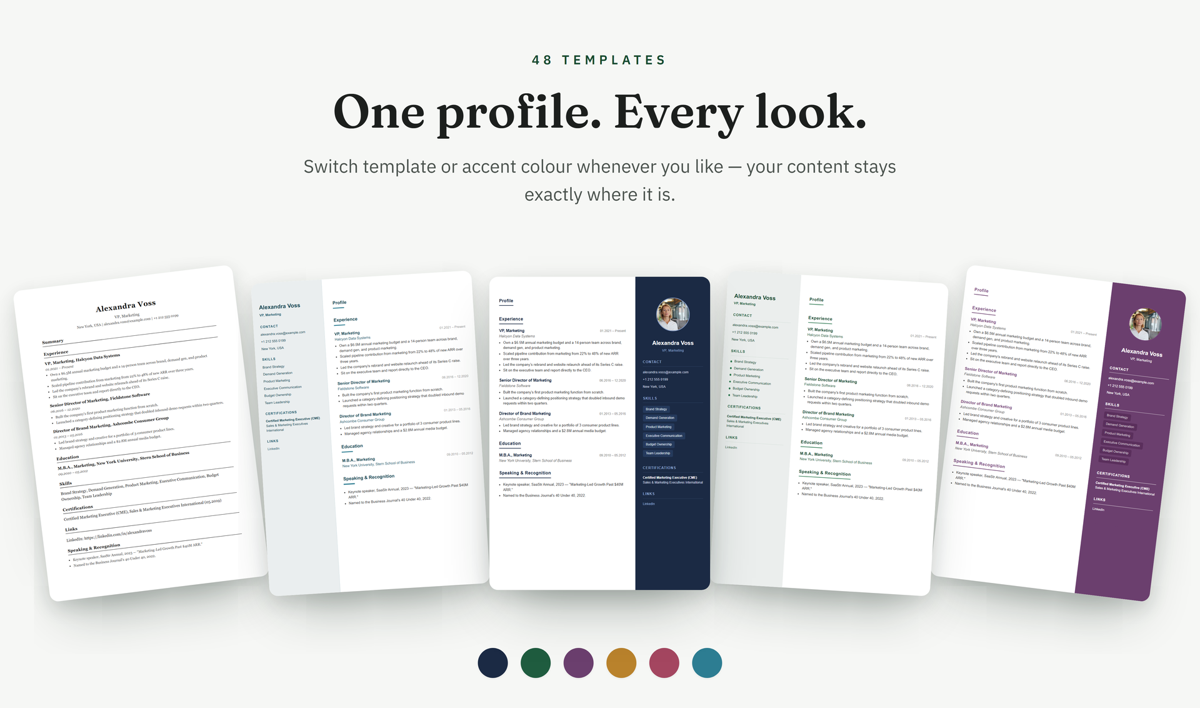
It doesn't mean boring, and it doesn't mean no color or visual identity. A single-column template with a colored sidebar for skills and contact info, so long as that sidebar is still actual selectable text in a normal reading order rather than a separate column competing with the main content, generally parses fine. Font choice, use of bold and section dividers, and a restrained accent color don't interfere with extraction — the risk is specifically in layout structure, not visual style.
It also doesn't mean every "ATS-safe" template looks identical. What they share is a predictable reading order: contact info at the top, then a linear sequence of sections down the page, each one clearly labeled with real text, without anything readable only positioned relative to something else on the page.
Three ATS-safe templates, free, no watermark.
DraftCareer's free plan includes Pearl, Malachite and Opal — all single-column and parser-safe — and one free PDF download. Start free, or check a resume you already have first.
How to check whether your resume template is ATS-friendly
If you're not sure whether a resume you've already built or downloaded elsewhere is safe, the fastest way to find out isn't guessing from the layout — it's running the actual file through a parser and seeing what comes out the other side. DraftCareer's free ATS resume checker does exactly that: upload a PDF and see what gets extracted and flagged, rather than relying on a visual read of whether it "looks" safe. It's free, doesn't require an account, and will catch the specific structural issues above rather than a generic style opinion.
If you're building from scratch instead, choosing a template that's explicitly built with parsing in mind from the start — single-column, real text headers, no tables — saves you from having to retrofit a design later. DraftCareer's resume builder includes several ATS-safe templates alongside the more visually designed options, so you're not choosing between "looks good" and "parses correctly" as if they were opposites.